Build a palette around your page.
Choose any colours you want. On desktop, sample individual colours directly from card artwork already in the binder. Then balance your palette against visual similarity to the current page.
A Visual Binder Studio for Card Collectors
Search for cards by theme, colour and filters, or explore recommended cards for the layout style you’re imagining.
Sign in with Google · Uses only your basic profile and email.
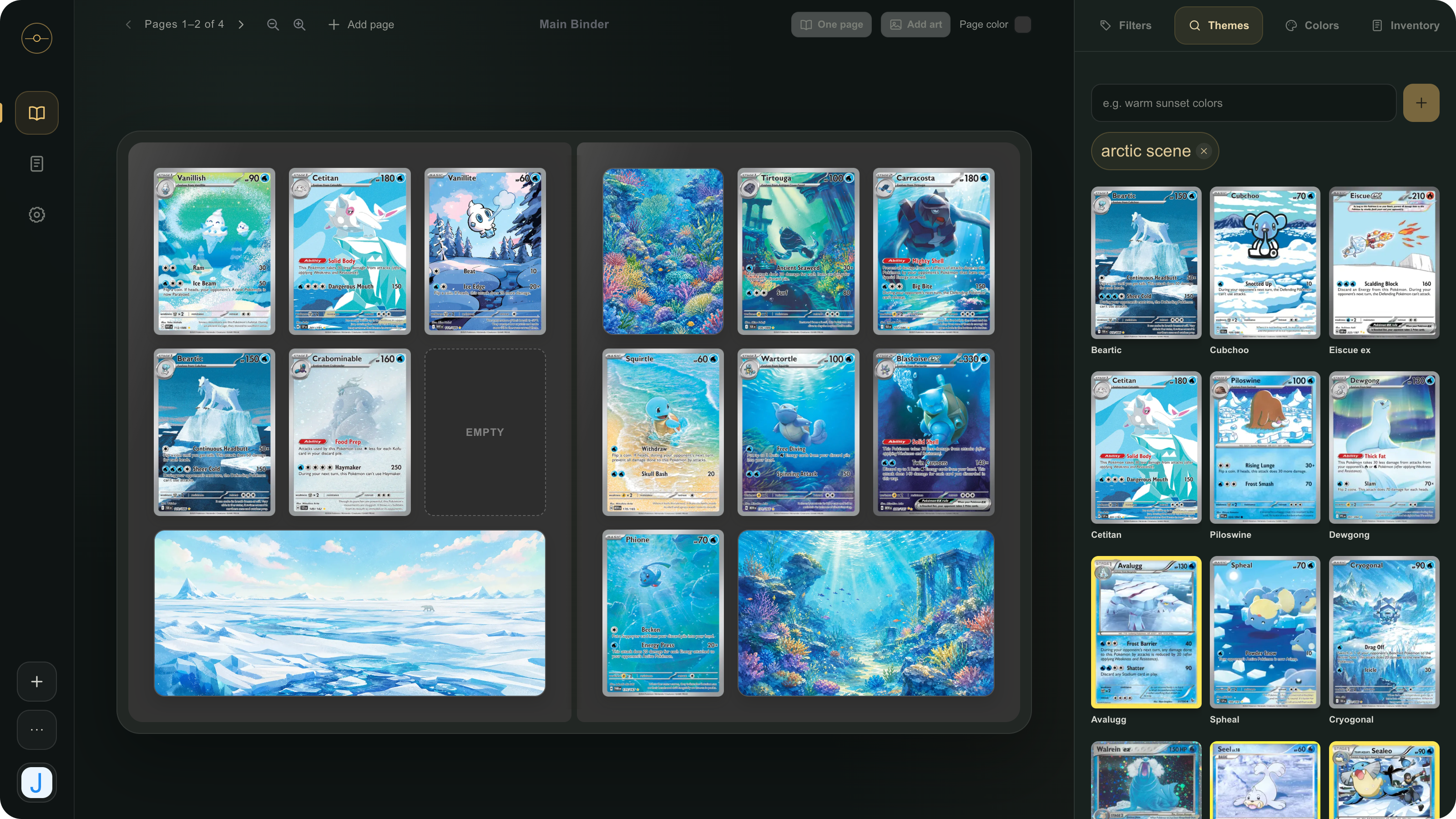
Describe the Theme
Type a visual idea in your own words (eg. “warm sunset colours”, “moonlit forest”) and OBi searches card artwork for visual matches, so you can discover possibilities without knowing card details.
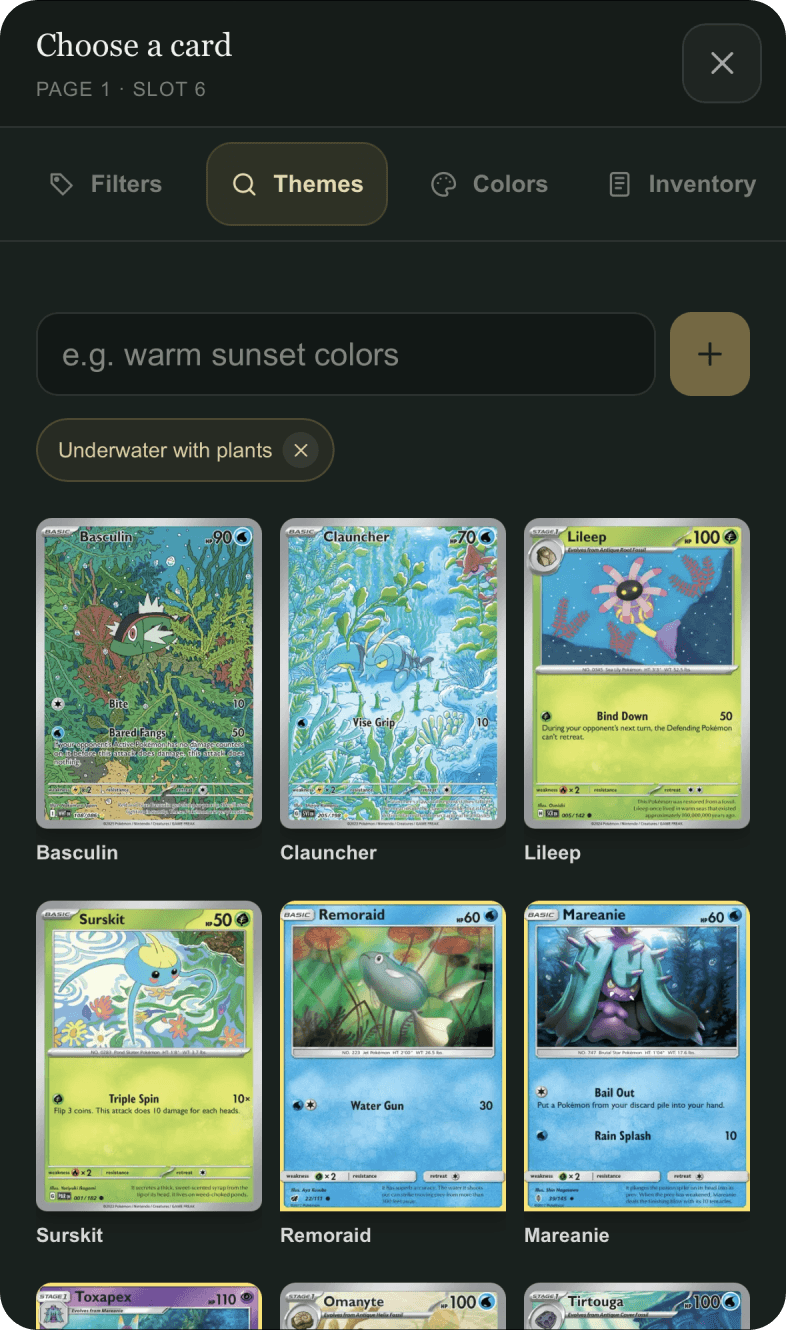
More Ways to Discover
Change how you search without leaving your binder. Each view gives you a different way to find what belongs on the page.
Choose any colours you want. On desktop, sample individual colours directly from card artwork already in the binder. Then balance your palette against visual similarity to the current page.
Select a card to explore artwork with a similar visual appearance, then keep moving through related cards until something fits.
Filter by Pokémon, set, illustrator, rarity, type, printing style, and more, or combine filters with catalog text search.
The Michi Method
Select empty slots on a page and describe the art you want to generate. Artwork stays aligned with the style of the existing cards on the page.
Digitize From a Photo
Upload or take a photo of an entire binder page or a single card to automatically add the digital version to your inventory.
Frequently Asked Questions
Here’s what to expect from search, artwork, photo imports, and mobile use.
Describe the theme you have in mind in your own words. Our AI engine compares that theme description with actual card artwork and ranks suggested cards by visual similarity.
You can narrow the catalog by Pokémon, set, illustrator, rarity, type, printing style, evolution stage, and more.
Yes. Capture or upload one binder page, then review each detected card and confirm its a match before adding it to your inventory.
Select a rectangle of empty slots and turn it into one art area. Describe the artwork you want, generate it using the current page as visual context, and revise or restore versions as needed.
Yes. OBi includes a mobile binder flow, tap-based placement, and direct uploads from your phone camera.
OBi requests only your basic Google profile and email so your inventory, binders, layouts, and preferences stay connected to your account.
Your Binder, Fully Visible
Never wonder what cards could have been a perfect fit for your pages.